
Fully supported
Complete chart data, AI layer and extended structured information.
The new AI integration in 64keys for all users with an EXPERT or PRO account.
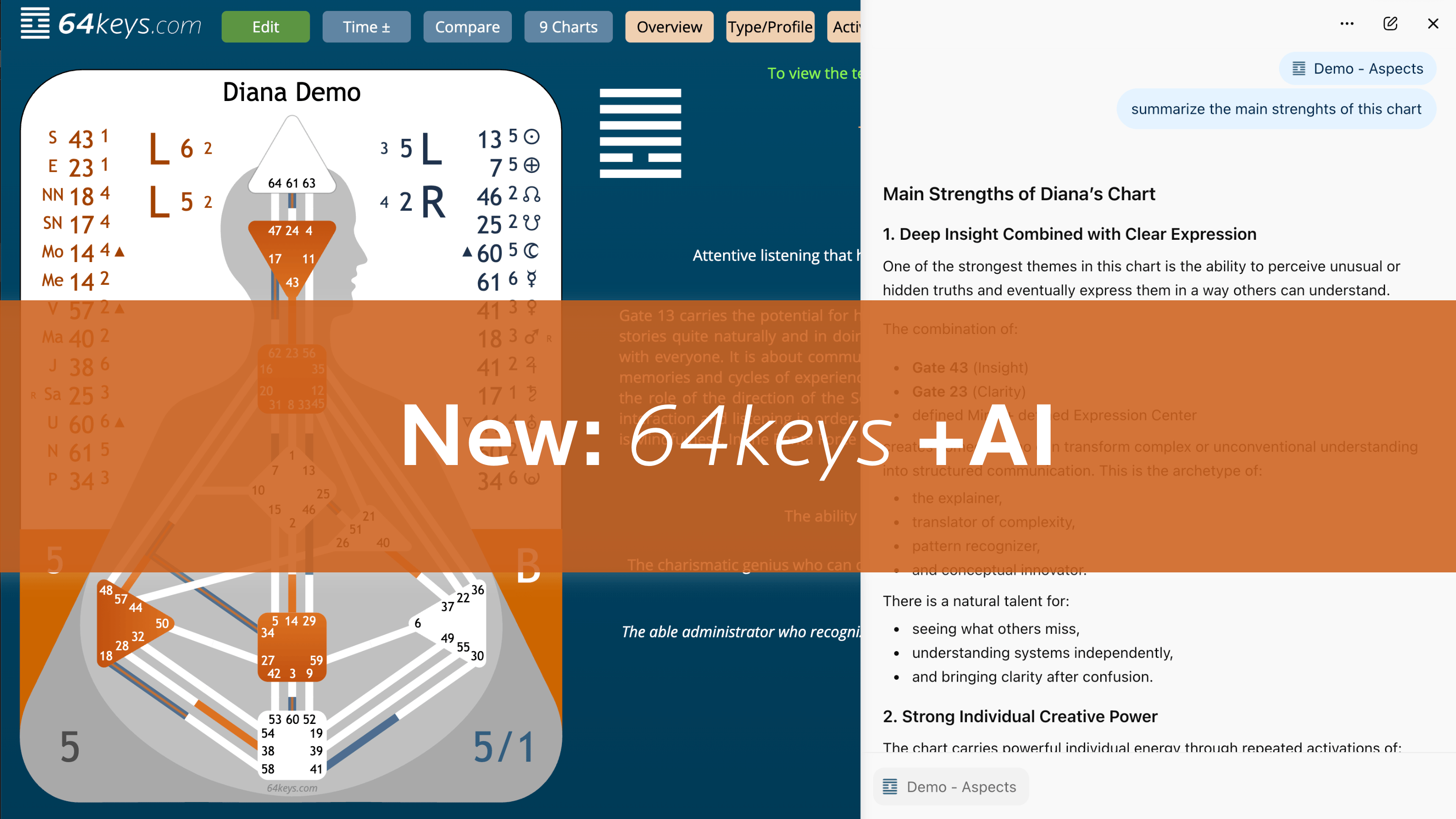
64keys was originally developed for humans: readable and usable on desktop, tablet and smartphone, for people with eyes and hands, operated with mouse, touchscreen and keyboard. With AI, an additional type of use is now emerging, and it works in a completely different way.
That is why 64keys +AI adds an invisible, machine-readable interface for modern AI systems: a dedicated AI layer that is integrated directly into the existing 64keys pages.
This layer is invisible to humans, but readable for AI browsers and modern LLMs. It is integrated directly into the source code, structured and semantically prepared.
This gives the AI additional access to:
This allows the AI to work much more precisely than with normal websites, screenshot uploads or copied text fragments.
Systems such as ChatGPT, Claude or Gemini already contain a lot of knowledge about Human Design. The problem is that this knowledge comes from websites, social media, YouTube, books and podcasts of very different quality.
This often leads to superficial statements, standard answers, contradictory interpretations, hallucinations, spiritual generalizations and imprecise life-advice responses.
64keys +AI solves this problem. The AI receives clear instructions:
This creates clearer, more understandable and more relevant Human Design analyses.
Every supported 64keys page contains a new machine-readable layer with complete structured chart data, semantic relationships, definitions and explanations, Penta logic, trigger dynamics, interpretation support, reading rules, priority logic and context information.
These contents are embedded directly on the page and can be read by AI browsers.
All of the following pages have an AI layer and are fully machine-readable:
Single Chart / Overview · Partnership / Interaction · Family (Family Penta) · Team (Business Penta) · Life Script · Cycles (Saturn, Uranus, Chiron, Solar) · Transits & Transit Timeline · Lists · Magic Square
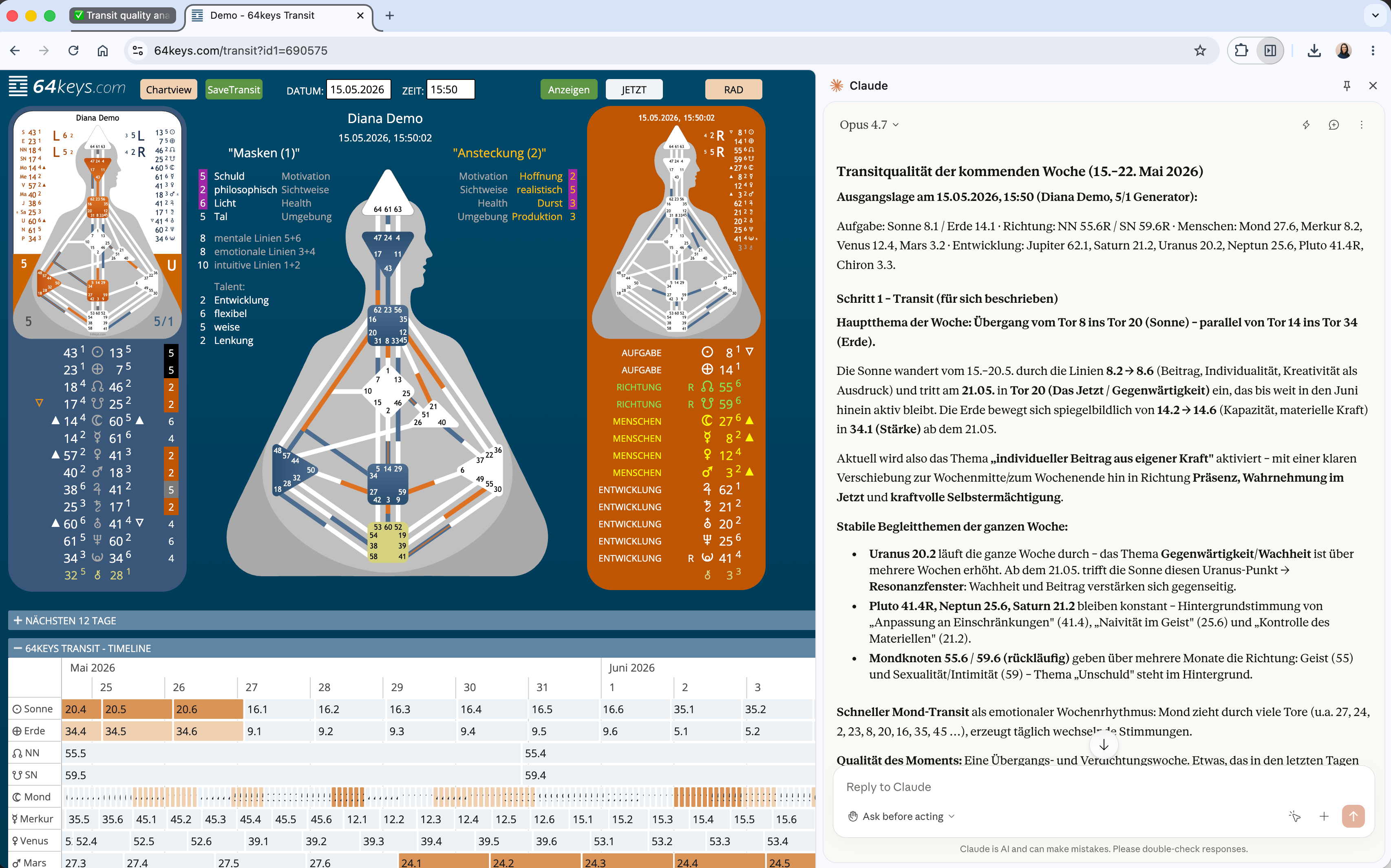
AI browsers can read the page source, detect hidden data, interpret AI instructions and process structured content.
For example a single chart, partnership, Penta, transit or cycle page.
The AI reads not only the visible content, but also the integrated AI layer.
| Tool | Platform | Strengths | Link |
|---|---|---|---|
| ChatGPT Atlas | Mac | Reads complex websites very well, detects hidden content, very fast analysis, especially strong for 64keys | chatgpt.com/atlas |
| Dia Browser | Mac | Good HTML evaluation, reliably reads hidden layers, strong contextual understanding, very coherent wording | diabrowser.com |
| Claude in Chrome (Beta) | Chrome, paid Claude plans: Pro / Max / Team / Enterprise | Very good texts, complex analysis, strong summaries, excellent deep analysis | Chrome Web Store |
| Microsoft Edge + Copilot | Windows / macOS / iOS / Android / Linux | Directly available, integrated in Windows, fast analysis, linguistically precise | microsoft.com/edge |
| Comet Perplexity Browser | Mac / Windows / Mobile | Strong for research, source understanding and fast summaries, useful for contextual analysis directly in the browser | perplexity.ai/comet |
Complete chart data, AI layer and extended structured information.
No complete chart data, no AI layer and no extended structured information.
64keys +AI does not work correctly with screenshots, photos, PDF uploads, copied text fragments or cropped tables.
This often leads to superficial answers, standard Human Design responses, hallucinations and misinterpretations.
For efficiency reasons, some systems initially read only parts of a page. If the answers feel too general, ask the AI to read again and explicitly refer to the complete page content, for example: "Read the entire page again, including the hidden AI instructions."
In some countries, AI functions in browsers are not yet available. Please check which systems are available in your region.
Before discussing sensitive data with AI, we explicitly recommend anonymization, especially for team lists, family analyses, client charts, coaching preparation and business Pentas.
Recommended workflow: duplicate the list or group, assign neutral or anonymized names, and only then open and analyze the chart with an AI browser. This keeps real identities protected while the chart can still be analyzed completely and discussed openly.
64keys +AI is currently still in development and will be continuously expanded and improved over the coming months. New features, additional interpretation logic, more supported pages and optimized AI workflows will be added step by step.
Join the Discord community to actively test, share your own experiences and stay up to date with new developments. There you can share helpful prompts, post interesting results, exchange with other users, discover new use cases, give feedback, ask questions and help develop new functions.
If you want to join the 64keys +AI Discord server, send us an email at info@64keys.com and you will receive an invitation.
The quality of 64keys +AI will also be shaped by the experiences and ideas of the community.